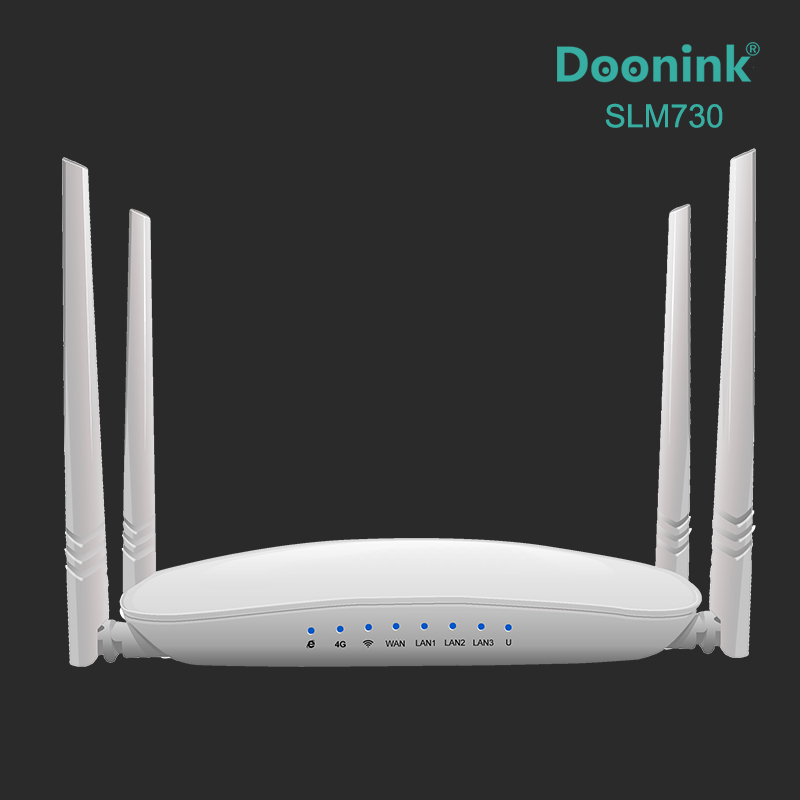
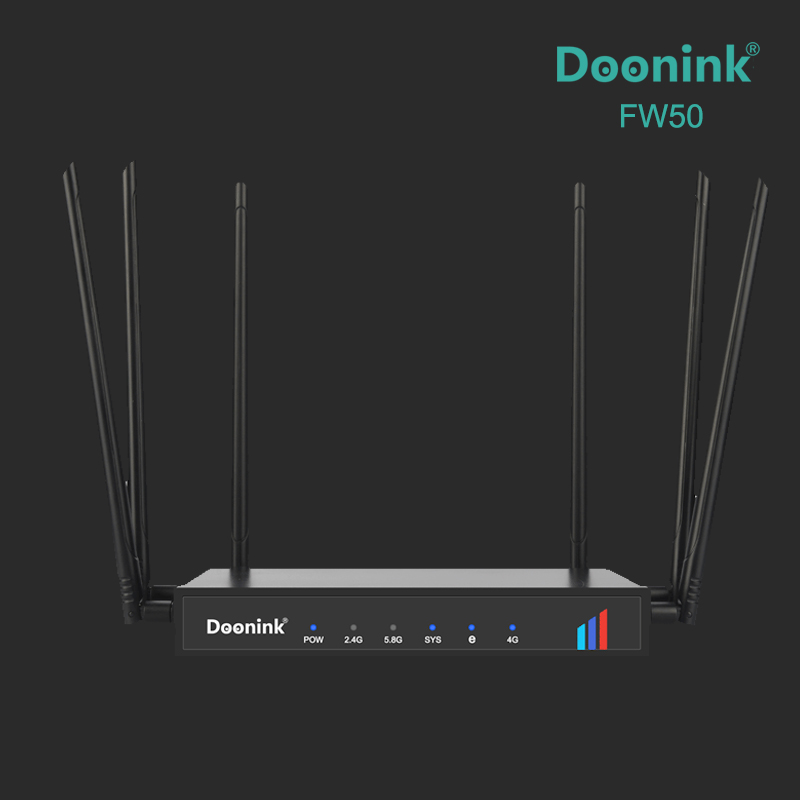
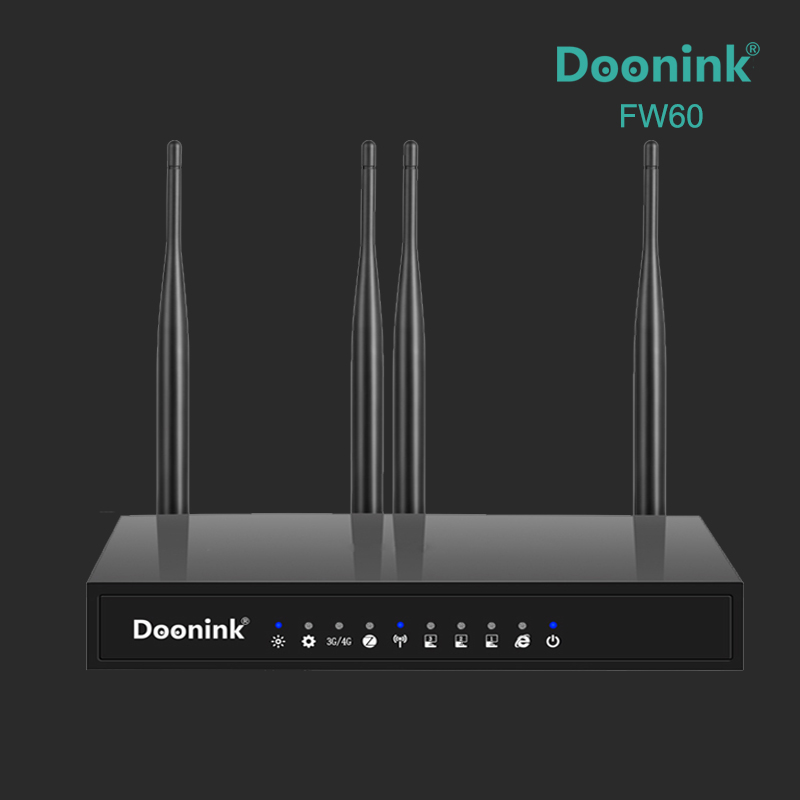
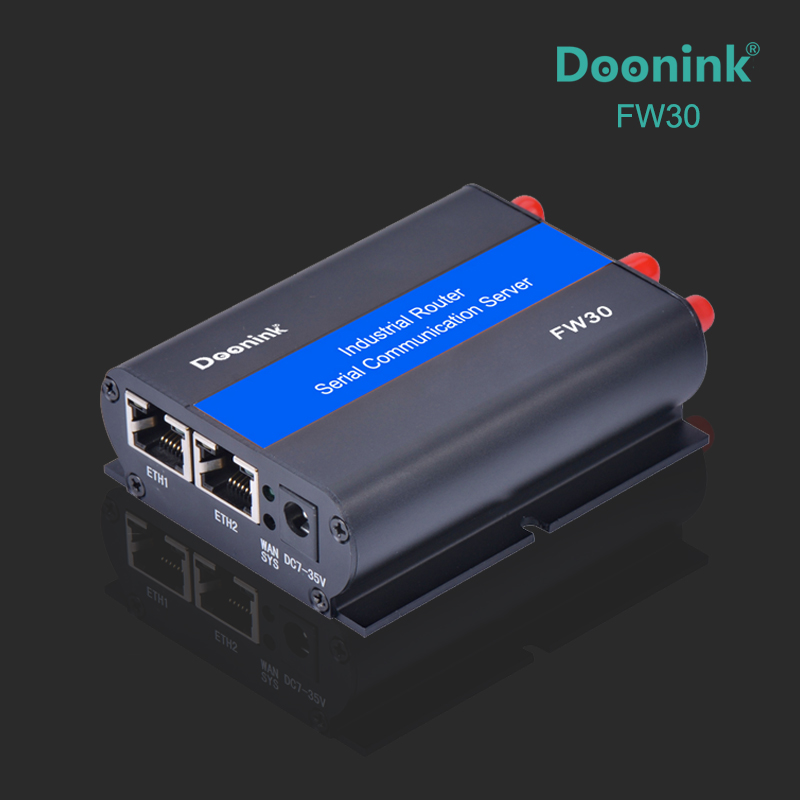
| Product Model:SLM730 |
| Features: |
| ●Supports 3G/4G module, SIM card, Plug and Play |
| ●Provides intelligent anti-dropping network and protects your network from password stealing attack |
| ●Change SSID name and password yourself |
| ●Supports multiple operating modes: 4G/PPPOE/Dynamic IP/Static IP/Repeater mode |
| ●Provides built-in firewall and supports a wide variety of network protocols |
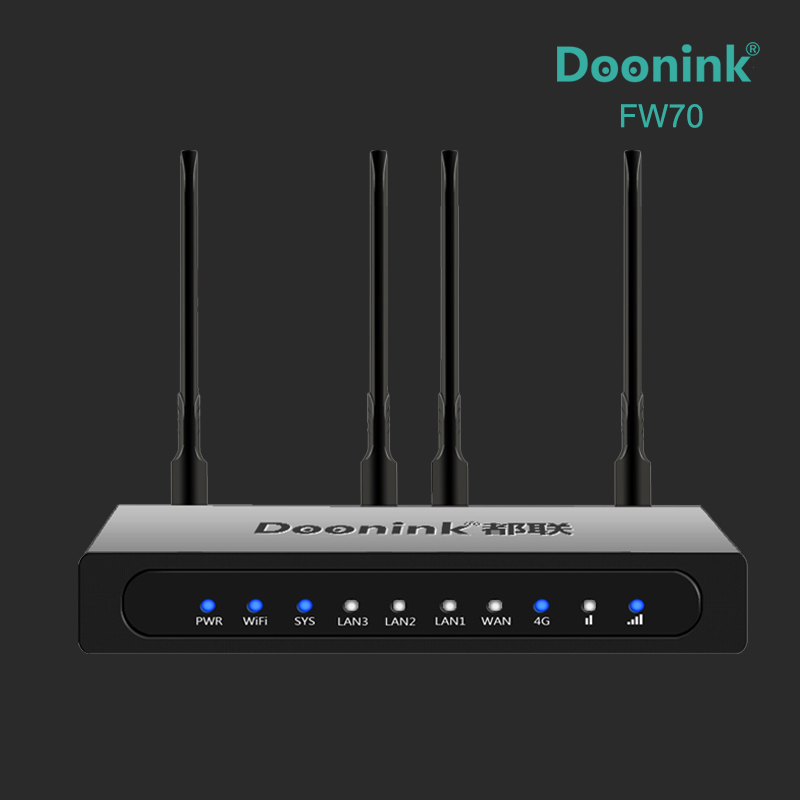
| ●Provides 4*5dBi Dual band High Gain Antennas: 2*4G+2*2.4G |
| ●Hiding SSID and multiple encryption methods protect your privacy |
| ●Powerful cooling system allows 360*24 h running |
| ●Completely robust function of router , supports multiple Internet access methods: automatic allocation, specified IP, PPPOE |
| ●Support 4G backup network, seamlessly switch to 4G network when wired disconnection, and can automatically detect wired recovery |
| hardware specifications |
| master control | MTK MT7628NN |
| radio frequency | MTK MT7620N(2.4GHz,2T2R) |
| internal storage | 8M ROM + 128M RAM |
| network interface | 3x10/100M LAN |
| 1x10/100M WAN |
| antenna | 2X5dBi external 2.4G antenna, 2X5dBi external 4G antenna |
| push-button | A Reset switch |
| pilot lamp | Network indicator, wireless indicator, 4G indicator, WAN(1),LAN (3) |
| SIM interface | 1 SIM card |
| 1 SIM card Jack | DC:9V-24V |
| size/weight | 260 x 135 x40mm /265g |
| Packing size/weight | 330x 280x 47mm/570g |
| wireless rate | Up to 300Mbps, 2T2R (MIMO) |
| working frequency band | 2.4GHz-2.4835GHz |
| Wireless standard | IEEE 802.11 b/g/n |
| transmitting power | 16±2 dBm(802.11g-54Mbps) |
| receiving sensitivity | 11n : -68dBm@10% PER |
| 11g : -70dBm@10% PER |
| 11b: -86dBm@8% PER |
| Software features |
| Setup wizard | Provide quick usage configuration guidance |
| work pattern | bridge pattern |
| Gateway mode (routing mode) |
| Wireless cable mode |
| Wireless client mode |
| 3G/4G mode |
| running state | running state |
| LTE state |
| DHCP list |
| Network data statistics |
| LTE setting | APN setting |
| Network mode |
| network settings | Wide area network setting |
| Local area network setting |
| Wireless setting | Basic settings |
| Advanced setting |
| List of wireless clients |
| Quality of Service | Set QOS rule to limit speed based on IP address. |
| firewall | Network filtering |
| Port forwarding |
| URL filtering |
| DMZ host |
| installation management | Administrator setup |
| system log |
| Firmware upgrade |
| installation management |
| System restart |
| hardware interface |
| LAN1-WAN: | Standard 100 megabytes RJ 45 interface. |
| R reset key: | All LED lights flicker after a long press for 5 seconds, and then restart. The reduction was successful. |
| SIM card slot: | Press slot, using Micro SIM specification. |
| DC power interface: | DS power interface: using 2.1mm round head power interface, positive and negative inside and outside, input voltage range 9 ≤ 24 V, power greater than 9W. |
| USB power interface: using micro 5pin general USB input voltage 5V |
| 2.4G/4G antenna interface: | SMA external rotating inner hole. |
| LED indicator indicates |
| name (of a thing or organization) | status | describe |
| 4G | Changliang | Module dialing success |
| Long death | Module dialing failed |
| twinkle | Module dialing |
| Flash | Device restore default settings |
| Slow flash | Equipment upgrade |
| LAN3-LAN1 | Changliang | Successful connection |
| Long death | connectionless |
| twinkle | Connect successfully and generate data |
| Flash | Device restore default settings |
| Slow flash | Equipment upgrade |
| WIFI | Changliang | Wireless network starts normally |
| Long death | The wireless network is not started or shut down |
| twinkle | The wireless network is started and the data is generated |
| Flash | Device restore default settings |
| Slow flash | Equipment upgrade |
| WAN | Changliang | Successful connection |
| Long death | connectionless |
| twinkle | Connect successfully and generate data |
| Flash | Device restore default settings |
| Slow flash | Equipment upgrade |
| internet | Changliang | The router is connected to the Internet |
| Long death | The router is not connected to the Internet |
| Flash | Restore default settings |
| Slow flash | Equipment upgrade |